A digital constellation board for your online sessions
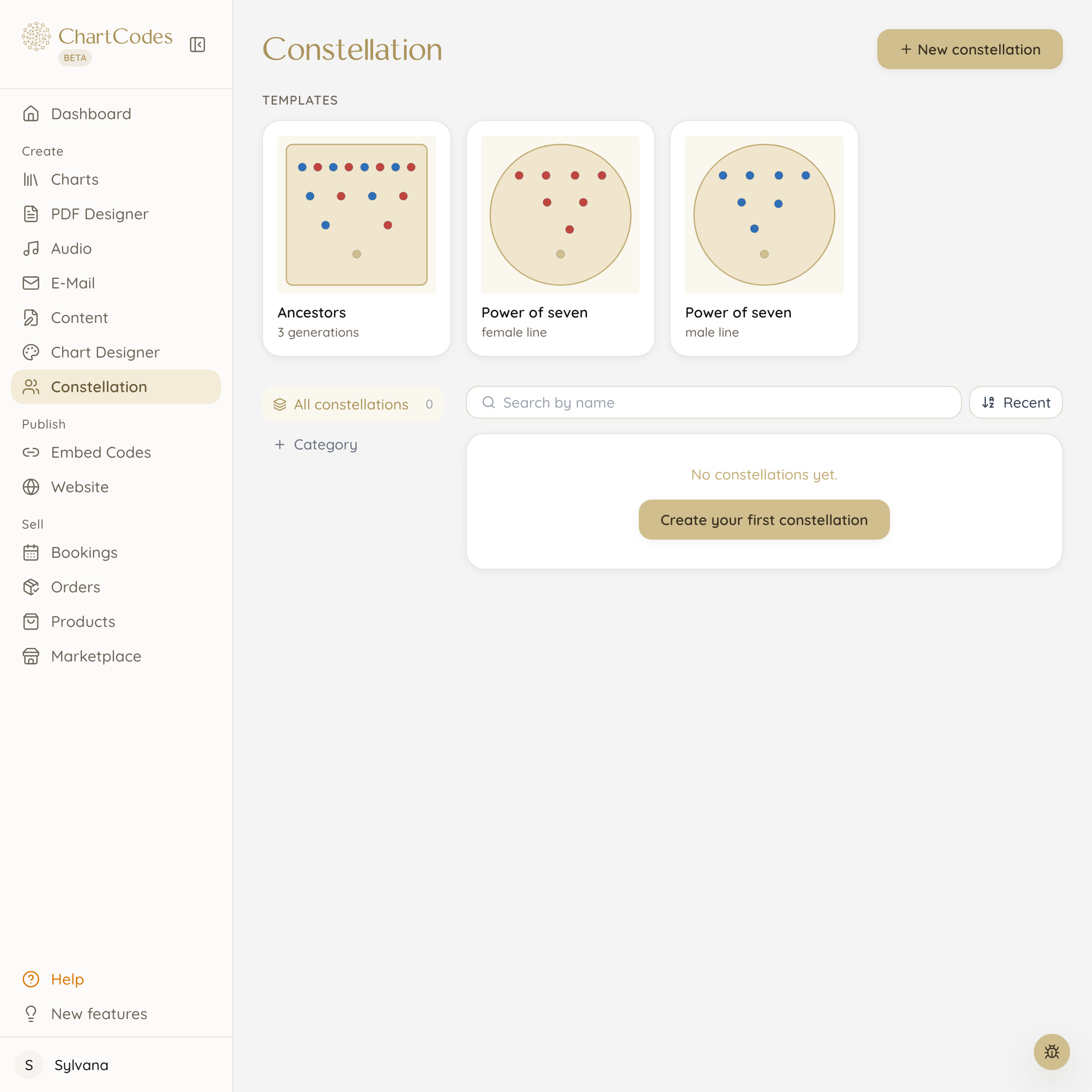
A wooden systemic board sits in your room. If the session is online, your client sees none of it. Here you place the figures on screen, share your view and work on it together.
What you do with it in a session
You place a figure for your client, one for her mother, one for the topic in the way right now. Then you move them, turn the directions they look in and ask how that feels.
The picture changes while you talk. Your client watches live, tells you herself where something stands too close or too far away, and you both notice when it falls into place.
- Place figures, move them and turn where they look
- Templates for family, team and inner parts
- Your client’s chart as the floor beneath the figures
The chart as the floor under the constellation
This is the part a wooden board cannot do: you put your client’s Human Design chart underneath the figures. Suddenly someone is standing in the middle of an open centre.
That gives conversations a direction they would otherwise take a long time to find. Your client sees with her own eyes where she is standing, instead of only being told.
For your own work too
Not every constellation needs a client. Many coaches use the board for themselves, to sort out a decision or look at a team topic.
You save a state and open it again weeks later. That way you see next time what has shifted between the figures.
An example from a session
A client says she feels overlooked in her family. You place her, her parents, her sister. Then you turn the figures the way she describes it, and suddenly nobody is looking at her.
She sees that herself in that moment, without you saying it out loud. That is exactly what the board is for: it makes visible what would have taken twenty minutes in words.
Frequently asked questions
Does this replace a wooden systemic board?
For sessions in a room, wood stays nicer. For anything happening online it is the only way to look at the same constellation together.
Does my client have to install anything?
No. You simply share your screen in your video call, the same way you would with any other window.
Can I keep a constellation?
Yes, you save as many states as you like and open them again later. Handy for showing a client after a few weeks what it looked like back then.
Do I need training in constellation work?
For constellations with clients yes, that is a method of its own. For your own work and for sorting out topics you can use the board without training.
Which templates are there?
Ready arrangements for family, team and inner parts. You can move every template around and turn it into your own.
Goes well with
Sign up now and create your first chart in your design today
Start for free, ready in one minute. No payment details, no deadline, no risk.