Embed a Human Design calculator and turn visitors into clients
Someone reads your blog at half past eleven at night, enters their birth date and sees their chart. On your page, in your colours. The next morning that person is in your contact list, with type, profile and authority attached.
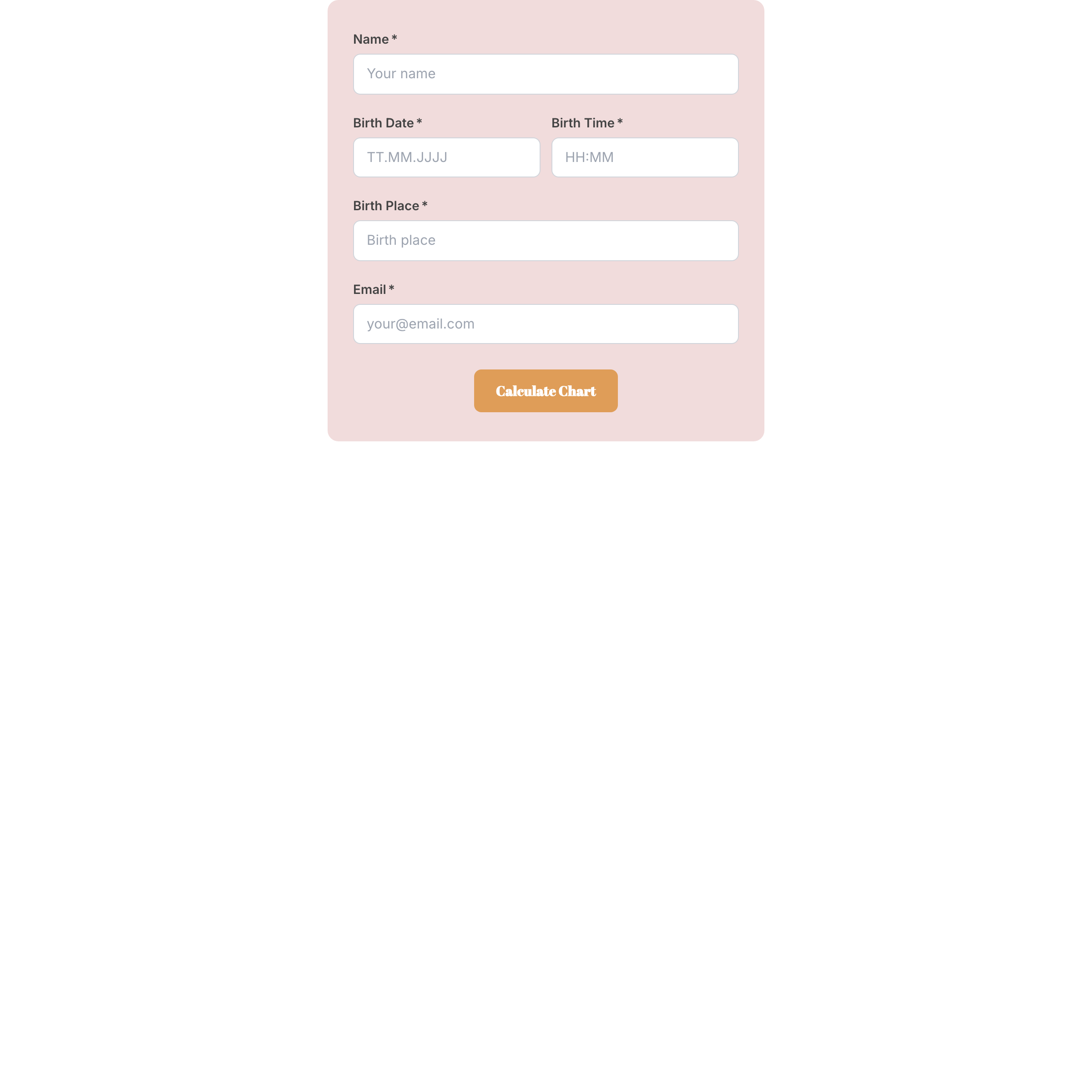
What happens while you sleep
Your calculator works around the clock. People find you through Google, try out their chart and leave their email address on the way. You wake up with new contacts and you already know how they tick.
That is the difference from a normal newsletter box: there you only get an address. Here you get a person with generator energy, emotional authority and profile 4/6. Your next email can pick up exactly that.
- Human Design chart, mandala, birth chart, relationship chart
- Every contact arrives in your list with their chart data
- Runs on WordPress, Wix, Squarespace and any other site
Your visitors stay with you instead of calculating elsewhere
Without your own calculator you send interested people to other websites. There they see a foreign chart, foreign advertising and in the worst case another coach’s offer.
With your own calculator the whole moment stays with you. The colours are yours, the interpretation texts under the chart are yours, and right below sits your offer. The person who has just seen their type for the first time is at their most curious in exactly that moment.
How does the calculator get onto my website?
You copy two lines and paste them where the calculator should appear. It is the same move as with a YouTube video. Anyone who can edit a page in WordPress or Wix manages it in five minutes.
If you change your colours or your texts later, the calculator on your site changes along automatically. You do not have to copy anything again and you do not have to pay anyone for it.
Three ideas where to put it
On your home page, so every visitor can try something right away. Under your blog posts, so readers become contacts. And on a page of its own that you link from your Instagram profile.
Many coaches also put it on the thank you page after a booking. Someone who has just booked a reading likes to have a first look at their own chart.
What you get out of it on a Monday morning
You open your contact list and see who calculated their chart over the weekend. Eleven people, seven of them generators. You write an email to exactly those seven, because you know frustration is their theme.
That is how a calculator turns into a conversation. Not in months, but the week after. And you did nothing for it except paste two lines once.
Frequently asked questions
Do I need coding skills for this?
No. You copy two lines and paste them into your page, the same way you add a video. WordPress, Wix and Squarespace all have a block that does exactly this.
Will the calculator look like third party software?
No. You set colours, fonts, form fields and the texts below the chart in the chart designer. What sits on your page is your calculator, not ours.
What happens to my visitors birth data?
It lands in your chart library and your contact list, both of which belong to you. Your visitors give their consent beforehand, and you can delete or export any contact at any time.
Does the calculator cost extra?
No, it is part of every plan, including the free one. Plans differ in how many charts are calculated per month and which selling tools come with them.
How many charts can be calculated per month?
The free plan covers 20 a month, Starter 100, above that unlimited. Only charts that are actually calculated count, not ones somebody merely looks at.
Can I use the calculator on several pages?
Yes, as often as you like, on different websites too. You can create a separate version for each spot, a short one for the blog and a detailed one for the home page.
Sign up now and create your first chart in your design today
Start for free, ready in one minute. No payment details, no deadline, no risk.